
Business profile
Your business name, categories and description, cover and logo, opening hours for every day, address on the map, e-mail and website.
An app for businesses on the Engaz network: it introduces you to customers, shows your services and prices, takes orders, assigns chats to your team and saves you from typing the same answers.
In the Android app choose “Open as a business”, or switch in Settings → Account → “Account type”.
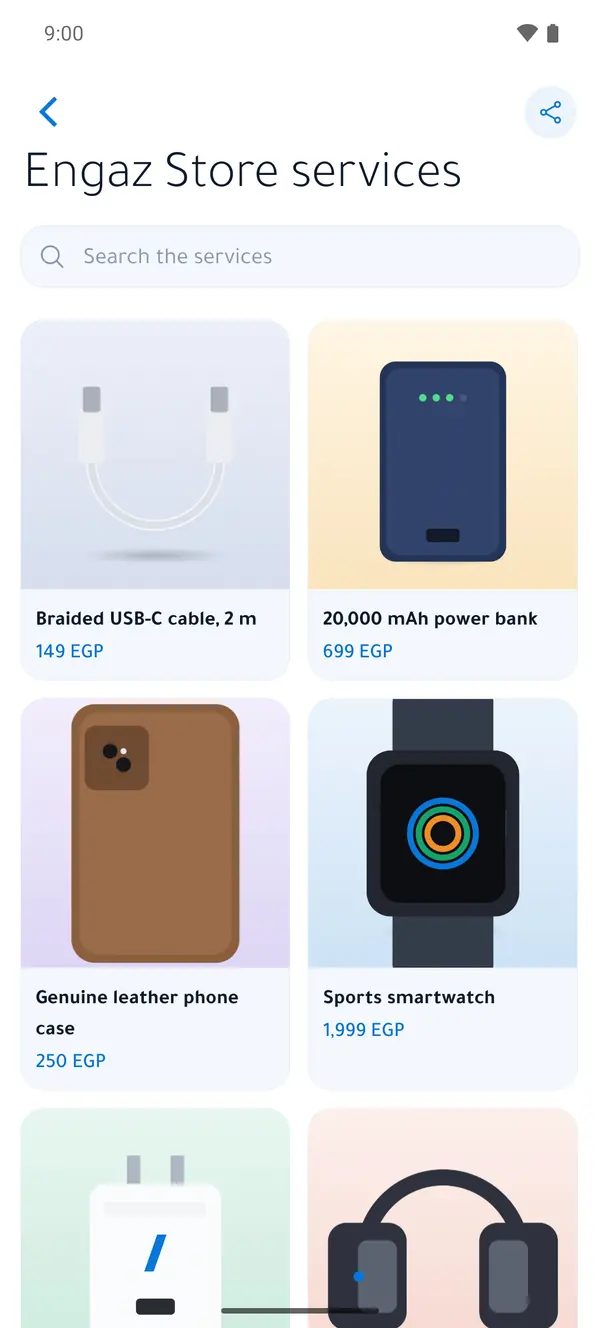
Your business name, categories and description, cover and logo, opening hours for every day, address on the map, e-mail and website.
Your products and services with photos and prices, in collections you share in chat. Reviews from real buyers, and import from a CSV file or your online store.
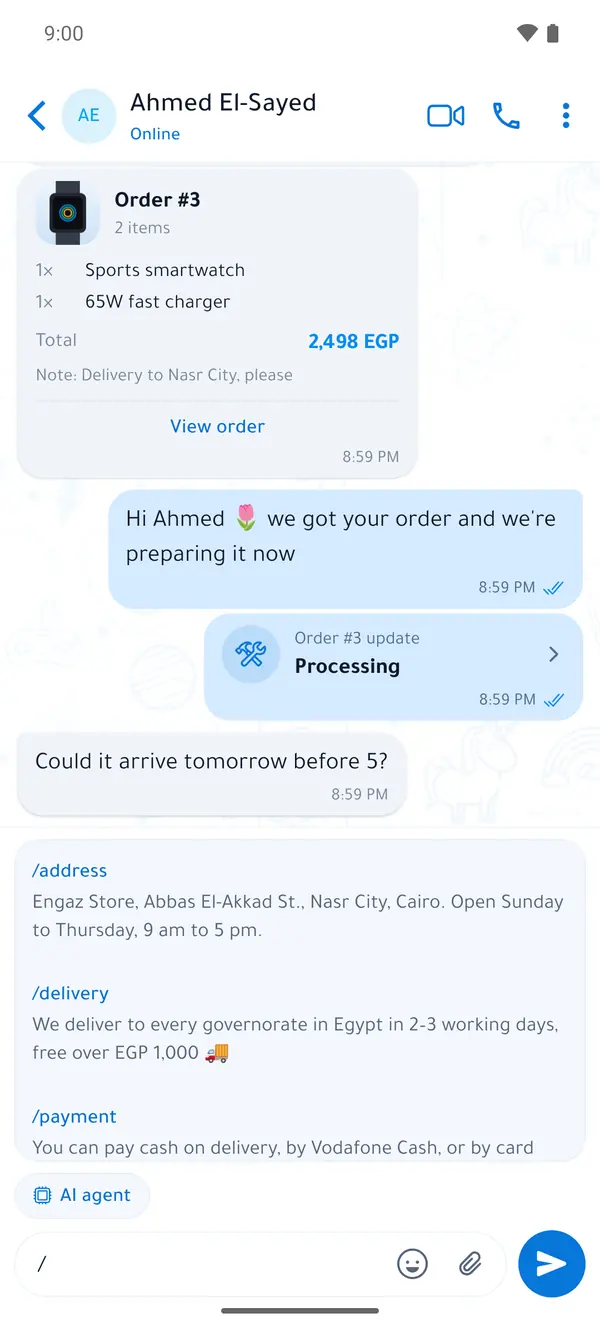
Customers add to the cart and order inside the chat, and you update the order until it’s delivered. Customers can also book appointments themselves.
Payment requests and payment links through an online payment gateway. Available in test mode only for now — no real money moves.
Employees sign in to the business account from their own devices with the permissions you set; chats are assigned to them, with notes on every customer.
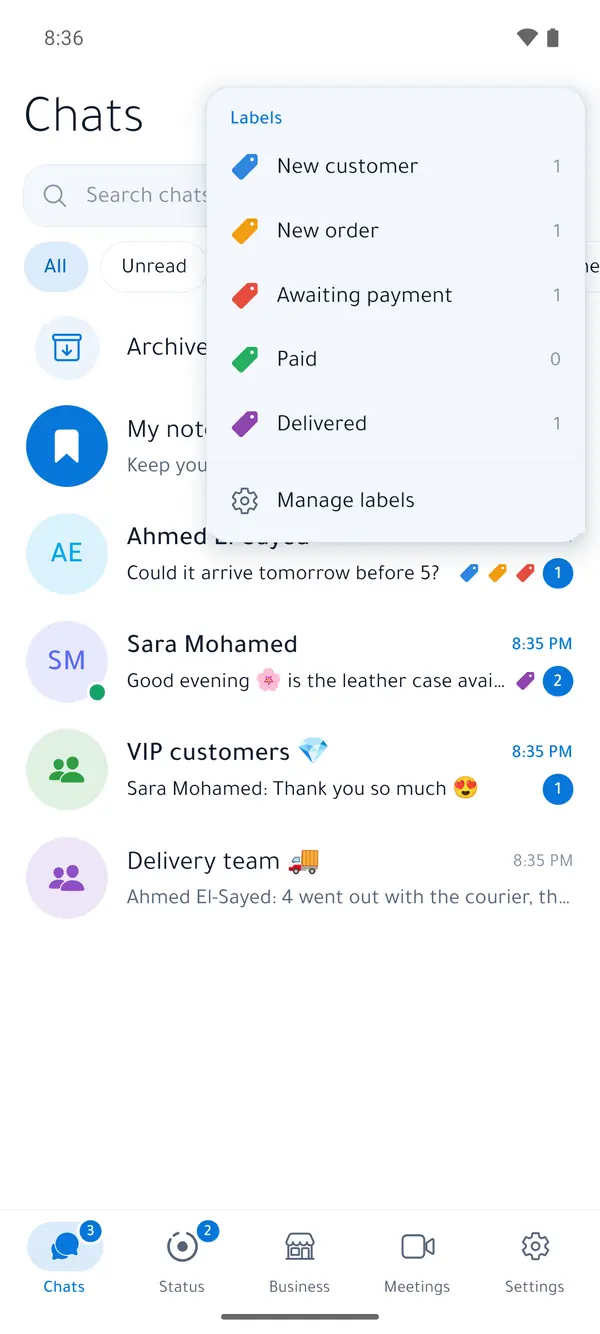
Type / to bring up your saved replies, and label chats with colours to see each label on its own.
A greeting for new customers, an away message outside business hours, keyword replies, and a Picture menu above the message box.
A message each customer receives on their own, targeted by label, orders and engagement — with “Stop messages from this business” for every customer.
Messages sent, delivered and read, the reach of your campaigns, and exports.
Request verification in the app; after our team reviews it, the badge appears next to your name so customers know it’s really you.
A short link to your page with a ready message, a QR code for your shop, a chat button for your website, and a listing in the business directory.
An assistant that suggests replies, summarises chats and answers your customers for you from your business info and services.
Each employee signs in to the business account from their own device and sees only the chats you give them.
The customer sees a service and orders it; you answer with one word and follow the order until it’s delivered.
/
Cards you send in a group that gather everyone’s answers in one place, and a web portal to manage your organisation.
Know who read the important announcement, and who hasn’t.
Assign a task with a due date and status to one person or more.
Attendance with location and a photo for field teams.
Multi-question surveys with exportable results, and an admin portal for staff and groups.
Send order and delivery messages from your system, receive events by webhook, send verification codes to your customers’ Engaz accounts, and add “Sign in with Engaz” to your website.