
Engaz Messenger
Everything you expect from a messenger, and more
Messages, calls, groups, channels and status, with a dark mode, Arabic and English, and privacy settings you choose yourself.
Messaging
Say what you want, the way you want
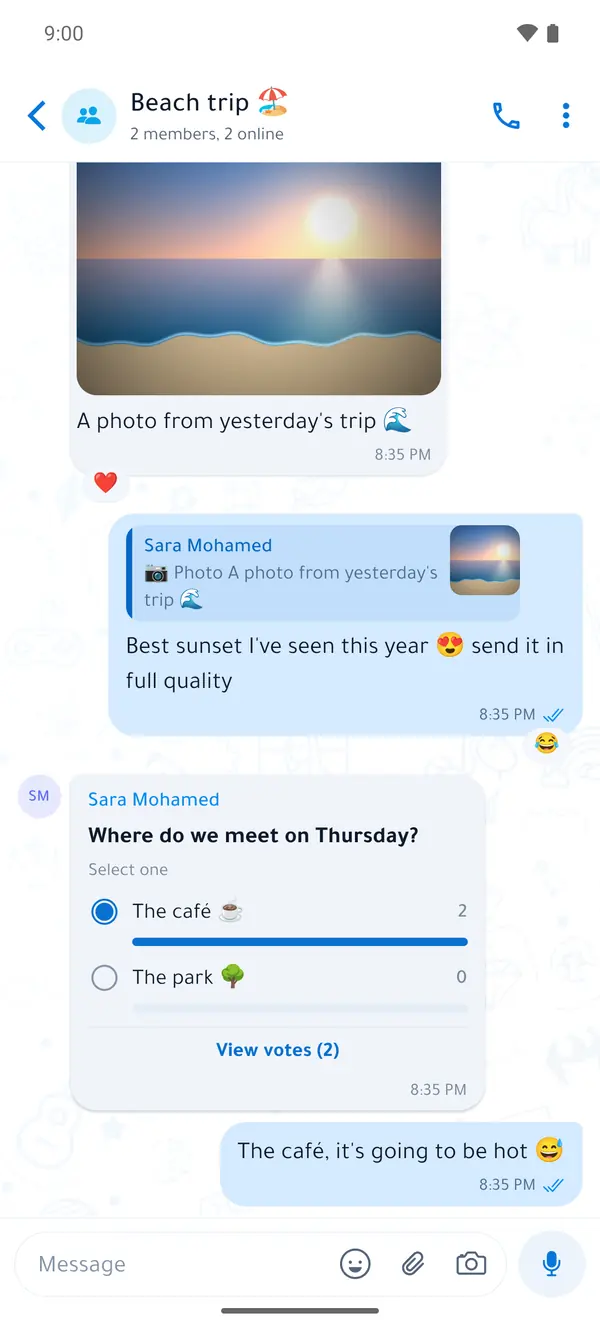
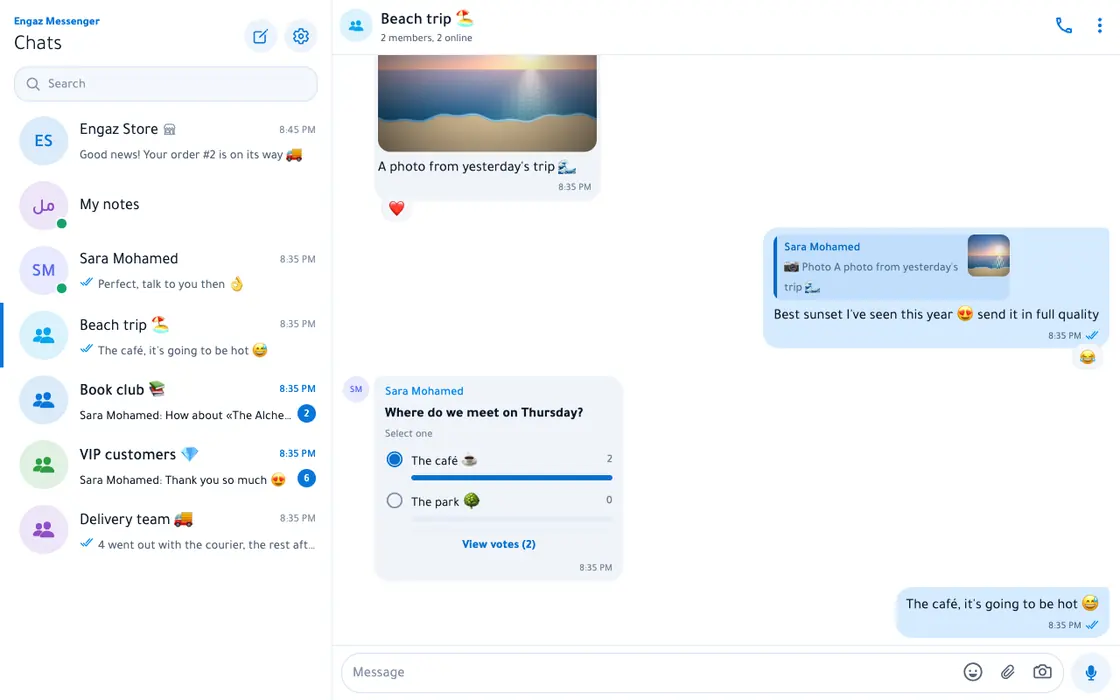
Text, photos, video, voice, files and location, with everything that makes a chat easier.
- Voice messages with playback speed and a recording lock
- Photos in original quality, and albums
- Files up to 2 GB with resumable uploads
- Replies, @mentions and reactions with any emoji
- Edit a message, delete for everyone
- Disappearing messages and view once
- Scheduled and silent messages
- Pinned and starred messages
- Short round video messages
- Polls and events with RSVPs
- Live location for as long as you choose
- Translate any message with one tap
- Animated stickers, and your own sticker maker
- “My notes”: a chat with yourself, plus reminders
Calls and meetings
Call one person, or gather your whole team
A call from the top of a chat rings on the other side; a meeting link lets anyone in.
Voice and video, one-to-one and in groupsOne-to-one calls go directly between the two devices, with emoji you compare to make sure the call is secure.
Meetings by link, and a permanent linkSchedule with a time and invitees; guests join from a browser without an account.
Screen sharing and picture-in-pictureShare your screen from Android or the web, and keep the call going while you use another app.
Waiting, hold, and moving between devicesAnswer a second call without ending the first, and move a call from your phone to your computer.
Live translation in calls SoonWritten translation of what the speaker says, in your language.
10:30
Team meeting · 5 people
Sharing: next quarter’s plan
LLaila
KKarim
HHala
MMaryam
Groups and communities
From a small group to a whole community
Admin tools that are enough for the family group — and for very large groups too.
- Admins with fine-grained rights and titles
- Several invite links, and join approval
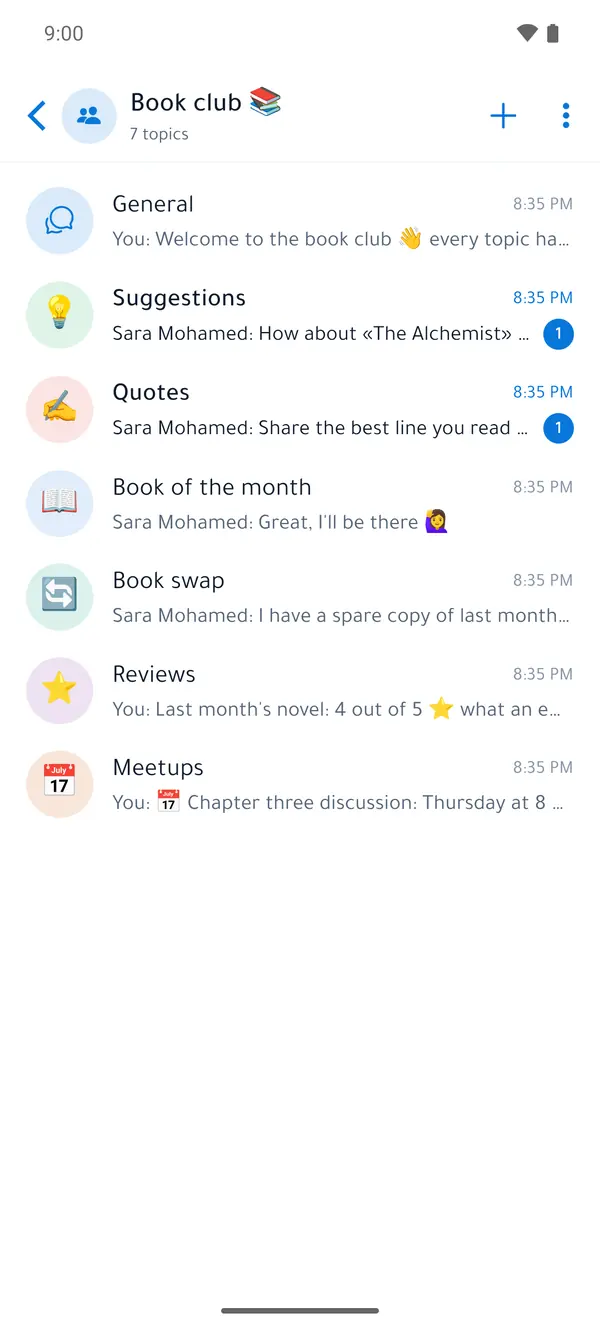
- Topics inside a group
- Slow mode and anti-spam
- “Only admins can send” when needed
- Chat history for new members
- Polls, quizzes and events
- Your own name and photo inside a community
- Communities: an announcement group and linked groups
- Public groups people can find in search
Channels and status
Broadcast to your audience, share your day with friends
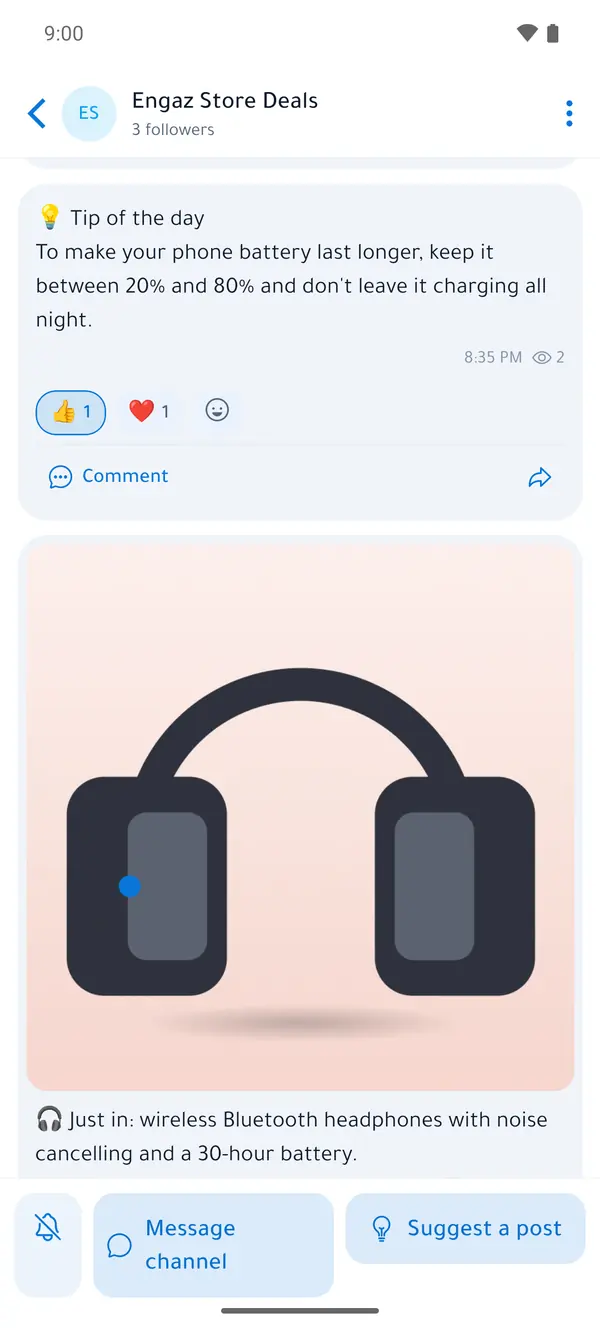
ChannelsBroadcast to your subscribers with comments, polls, scheduled posts and stats, a public web page for the channel, and live streams.
StatusText with colours and fonts, a photo, video or voice, or a collage with music. It disappears after 24 hours, or the time you choose.
You choose who sees itYour contacts, all of them except some, or only certain people — and you see who viewed your status.
Privacy controls
You decide what others see
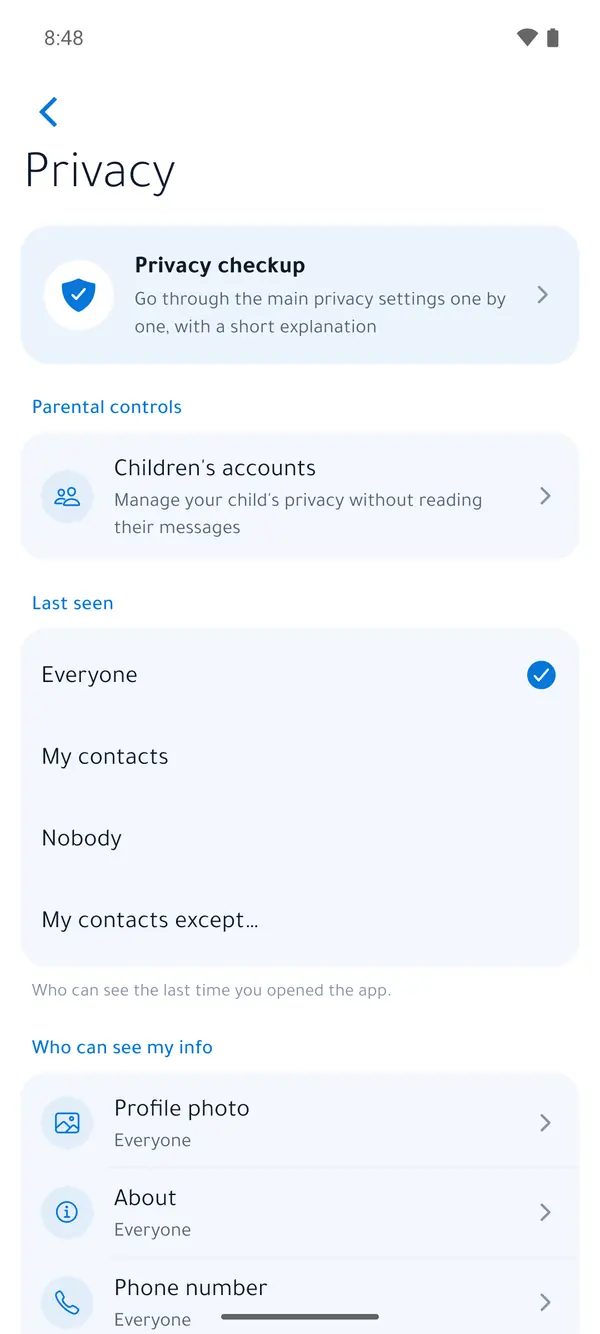
From “last seen” to who can call you, every setting is yours — and the Privacy checkup walks you through them step by step.
- Hide “online” and “last seen”
- Hide read receipts and “typing”
- Who sees your photo, about and number
- Who can add you to groups
- Who can call you, and silence unknown callers
- A username, so you don’t share your number
- App lock with fingerprint or face
- Locked chats behind a secret code
- Message requests from strangers before their messages reach you
- An incognito keyboard that doesn’t learn what you type (Android)
- Hide content in the recent-apps screen
- Block and report from any chat
More devices, and the web
Your account on every screen
Engaz on the webOpen Engaz on the web and scan the QR code with your phone, or sign in with your phone number. The computer stays connected even when the phone is off.
Calls on your computerCalls and meetings in the browser, with screen sharing and a choice of microphone, camera and speaker.
Linked devices and several accountsLink more devices to your account and manage them in Settings, and switch between up to 5 accounts in the same app.
A desktop app SoonUntil then, install the web version as an app from Chrome or Edge, and get notifications even with its window closed.
Try Engaz now
Get the app for Android, or open it on the web from any computer.