
We protect your chats, and tell you how
We build Engaz to know as little about you as possible, to protect you from scams, and to make it hard for anyone to take your account. Here is exactly what we do — and what isn’t finished yet.
What you write to a friend, only your friend can read
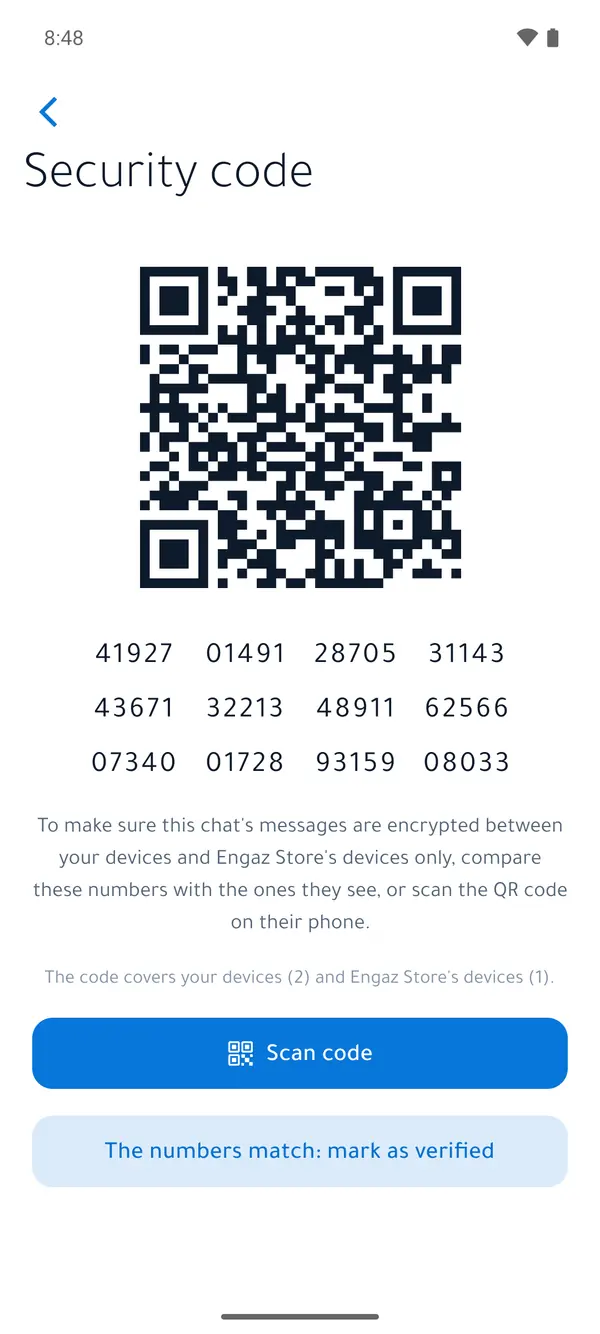
One-to-one chats between personal accounts are end-to-end encrypted by default, and so are small private groups: a message is encrypted on your device and opens only on the devices of the people you message. The Engaz server carries it and can’t read it.
Business chats
They stay readable by default so the business’s tools work: the team inbox, automatic replies and bots. Either side can turn on “Full encryption” for one chat; those tools then stop in it, and you both see that clearly.
What stays readable to the server
Large and public groups, community announcement groups, channels and status, so that they reach everyone. Large calls through the media server are encrypted to the server only. The server also sees the metadata it needs: who messages whom, when, and roughly how much.
We warn you before you walk into a trap
“Scam” and “Fake” labels
Our review team adds them after reports; they show next to the account’s name, with a warning at the top of the chat.
Look-alike names
A notice when a stranger messages you with a name close to one of your contacts or a verified business.
Dangerous files
A warning before you open files that could install software on your device.
Message requests
Messages from people you don’t know arrive as a request with a safety card, so you decide before you reply.
Report and block
From any message, person or group, with “Block and report” in one tap, and limits against spam.
Verified businesses
The verified badge appears after the business is reviewed, so you know you’re messaging the real shop.
Your account is yours — a stolen code isn’t enough to take it
- Two-step verification: a 6-digit PIN, plus a password if you want one.
- An alert when someone signs in on a new device, with an “It wasn’t me” button.
- When you move your account to a new phone, your old phone is asked first.
- Changing your number, deleting the account and signing out other devices need a device that has been signed in for 24 hours.
- Limits on login-code attempts from the same address and device.
- A list of every device signed in to your account, ending any session, and idle sessions ending automatically.
- App lock with fingerprint or face, and locked chats behind a secret code.
- “Freeze my account” if you lose your phone: in Settings, or from any browser on the freeze page.
- Passkeys to sign in without codes Soon
Parental controls, without reading their messages
A parent links their son’s or daughter’s account with a code or QR code, and the teen approves the link on their own phone.
- The parent sets the privacy settings; the teen sends a request to change one.
- Strangers can’t message the teen unless the teen starts the chat.
- The parent can’t read messages or see calls or chats.
- Only the parent can unlink, and the parent hears about every attempt to unlink.
Our own network, and strict rules to protect it
Engaz runs on its own servers and never passes your chats through any other messaging app.
Encrypted connection
The connection to the server is encrypted (HTTPS) on its official address, with security headers and a strict content policy on every page.
File links that expire
Links to photos and files are signed and time-limited, so an old link someone finds doesn’t open.
Protected data
The database and files are readable only by the server account itself, and backups are encrypted with an AES-256 key.
Monitoring and limits
Rate limits, alerts on unusual activity, and malware scanning of files when it is turned on.
Restricted administration
The admin console uses two-factor sign-in, doesn’t show chats, and logs every action.
Automatic clean-up
Temporary data such as login codes and link previews is deleted automatically when its time is up.
We don’t sell your data, and there are no ads
- No third-party trackers — not on this website either.
- Export your account information, or delete it for good with your messages and files, in Settings → Account.
- A full table of what we keep, why and for how long in the privacy policy.